Legal agreements
The platform runs on clickwrap agreements: checkboxes and affirmative clicks that are binding electronic signatures (you consent to exactly that in the Terms of Service). This page maps every document, every gate, and what gets recorded.
The documents
Section titled “The documents”| Document | Who it binds | Where to read it |
|---|---|---|
| Platform Terms of Service | Every user, with role-specific schedules | app.lunarlaunchlabs.com/terms (public, and in-app for every role) |
| Privacy Policy | Every user | app.lunarlaunchlabs.com/privacy (public, and in-app) |
| Mobile App EULA | Anyone using the iOS/Android app | Presented in-app on first native launch |
| Master Client Services Agreement (MCSA) | Client organizations | /mcsa (in-app, clients) |
| Placement Order Terms | One per booked placement | /placement-order (in-app, clients) |
| Master Vendor Services Agreement (MVSA) | Vendor agencies — accepted by the workspace owner at invite acceptance, covering every future placement the agency staffs | app.lunarlaunchlabs.com/mvsa (public, and in-app for vendors) |
| Sales Engineer Commission & Conduct Agreement | L3 sales engineers — accepted at invite acceptance, covering all future commission accrual | app.lunarlaunchlabs.com/sales-agreement (public, and in-app for sales engineers) |
Version numbers live in the documents themselves — every page above serves the current text directly from the platform, so what you read is exactly what an acceptance records (no version listed here can drift out of date). Some roles have additional per-engagement documents; they are presented in-app at the moment they apply and are covered in that role’s own guide.
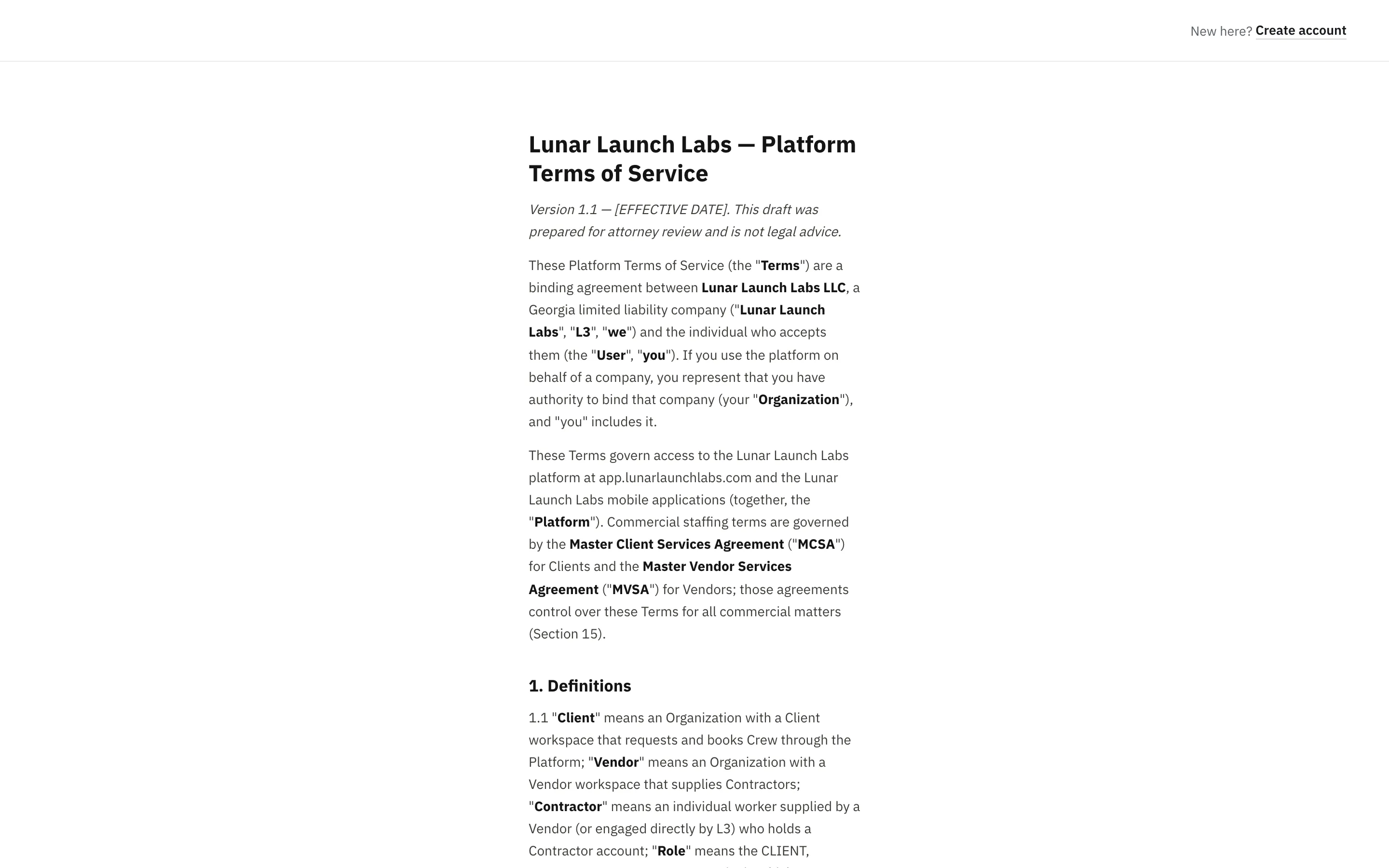
All documents are served fresh from the platform, so the text you read is always exactly the version your acceptance would record.
When each acceptance happens
Section titled “When each acceptance happens”At account creation (everyone)
Section titled “At account creation (everyone)”Registration and invite-acceptance both require two checkboxes:
- “I have read and agree to the Terms of Service, and my clicks in this platform are binding electronic signatures.”
- “I have read and agree to the Privacy Policy.”
The server refuses account creation without them (“You must accept the Terms of Service” / “You must accept the Privacy Policy”).
Two roles tick a third box at invite acceptance — their role’s platform agreement: vendor workspace owners accept the Master Vendor Services Agreement (it governs every future placement staffed under the account) and sales engineers the Sales Engineer Commission & Conduct Agreement. The server refuses acceptance without it (“You must accept the Master Vendor Services Agreement” / “You must accept the Sales Engineer Commission & Conduct Agreement”).
When terms change (everyone)
Section titled “When terms change (everyone)”If L3 publishes a new version of the Terms, the Privacy Policy, or your role’s platform agreement (the MVSA for vendors, the Commission & Conduct Agreement for sales engineers), the next time you use the app you’ll meet the re-acceptance gate: “Please review and accept to continue” (eyebrow UPDATED LEGAL TERMS) — “We’ve updated the documents below. You’ll need to accept the current version before using the platform.” Tick each updated document (the title opens the full text) and click “Accept and continue”. The gate is computed server-side on every session, in the web and mobile apps alike — material changes take effect by re-acceptance, not by continued use. (Vendor team members who joined after the owner accept the MVSA through this same gate at their first sign-in.)
At first booking (clients)
Section titled “At first booking (clients)”The first time a client account accepts a proposal line, the confirmation includes: “I have authority to bind my company and accept the Master Client Services Agreement.” Once your MCSA acceptance is on file, it isn’t asked again (until the MCSA version changes).
At every booking (clients)
Section titled “At every booking (clients)”Every accepted proposal line requires: “I accept the Placement Order terms for this booking at the day rate shown.” Each acceptance creates a Placement Order for that specific booking — the deal’s numbers (candidate, rate, start, cadence) live in the accepted line itself.
Your copy of each Placement Order names the contractor and shows your all-in day rate.
On first mobile launch (native app users)
Section titled “On first mobile launch (native app users)”The mobile app presents the Mobile App EULA once per device: “I have read and agree to the Mobile App EULA, including delivery of app updates over the air.” → “Agree and continue”. See The mobile app.
The audit trail
Section titled “The audit trail”Every acceptance writes a permanent, immutable record: who (user + role), what (document + version + a SHA-256 fingerprint of the exact text served), when (UTC timestamp), from where (IP address — the Privacy Policy discloses this narrow retention), and for deal-scoped documents, which placement. Records are never updated or deleted; the first acceptance instant is the legally meaningful one. These records are the platform’s proof of contract formation.