The mobile app
Lunar Launch Labs ships native iOS and Android apps. They are the same application as the web — every role, page, and flow documented in this site works identically — wrapped in a native shell with a few platform-specific behaviors.
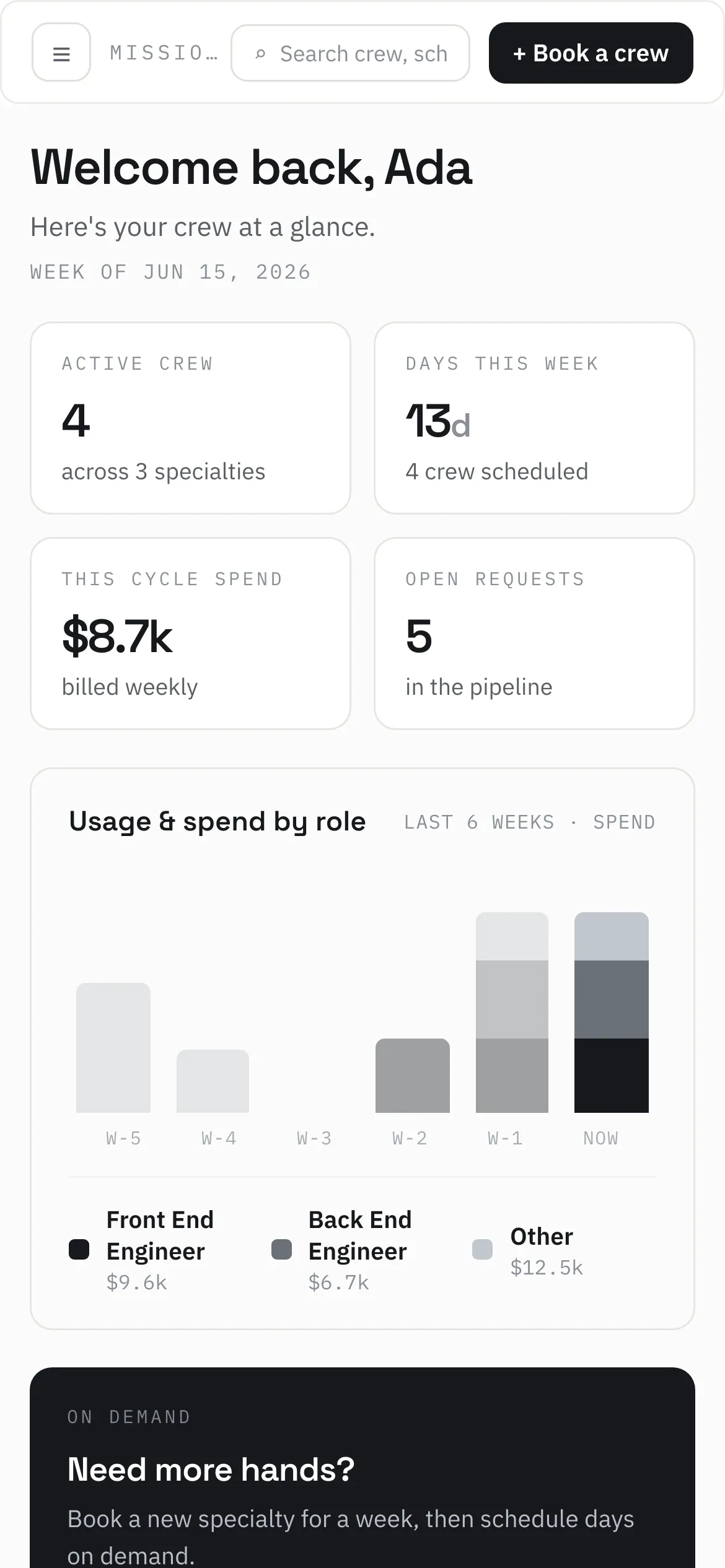
First launch: the EULA
Section titled “First launch: the EULA”On first launch the app presents the Mobile App EULA (version 1.1) as a scrollable document with a checkbox — “I have read and agree to the Mobile App EULA, including delivery of app updates over the air.” — and an “Agree and continue” button. Acceptance is recorded once per device and logged to the platform’s acceptance audit trail on the next app launch once you’re signed in.
Signing in on mobile
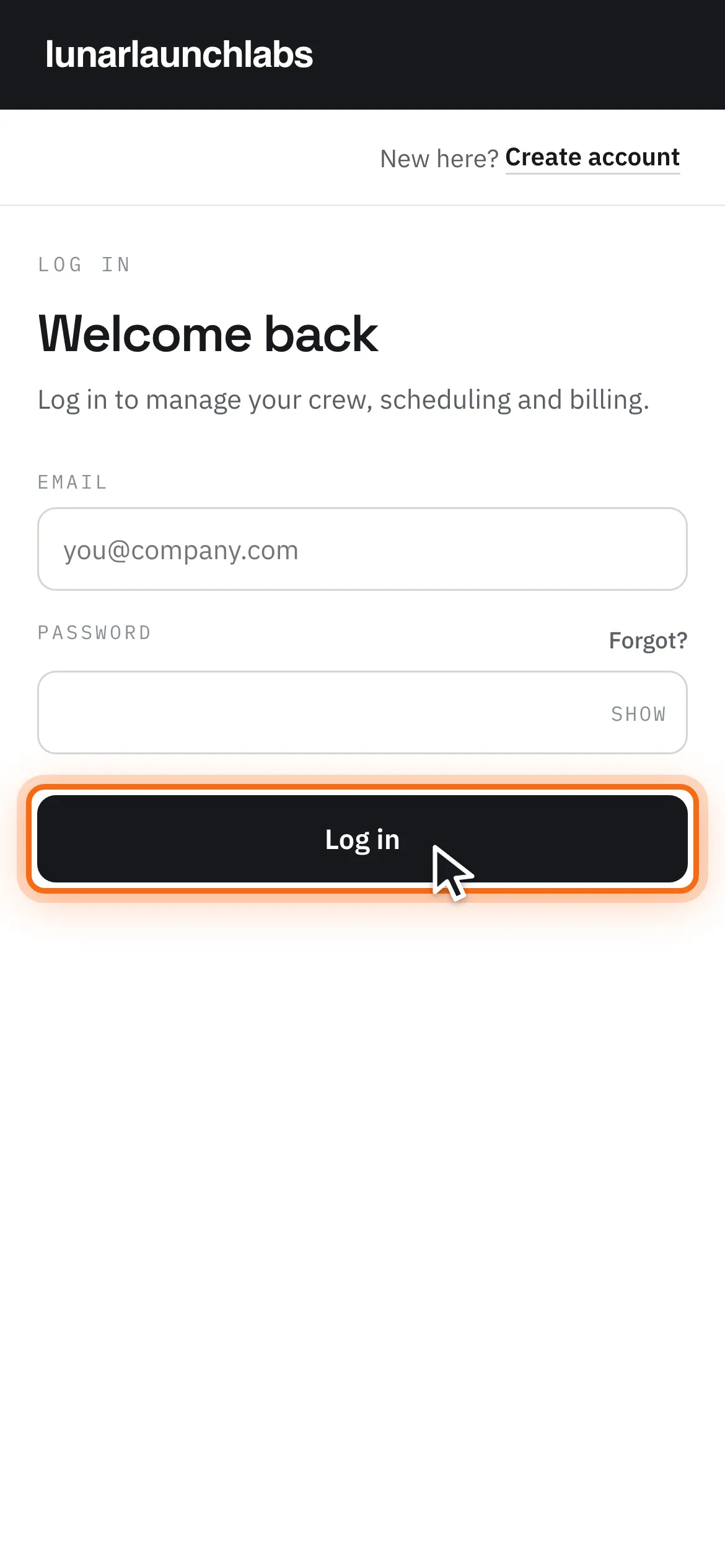
Section titled “Signing in on mobile”Sign-in is identical to the web (Accounts & sign-in). Under the hood the app stores your refresh token in the operating system’s secure keychain/keystore (hardware-backed) instead of cookies, and keeps the short-lived access token in memory only. Links into the app (from invite or activation emails) deep-link correctly, surviving the sign-in screen.
Over-the-air updates
Section titled “Over-the-air updates”The app keeps itself current automatically — there’s nothing to do and no update prompt:
- On launch it checks for a new application bundle, downloads it, verifies its cryptographic signature, and applies it.
- If a fresh release malfunctions, the app rolls itself back to the previous bundle automatically.
- Occasionally a change requires a new store binary; until you install it from the App Store / Play Store, the app simply keeps running its current version, and over-the-air updates resume once you’ve updated.
This behavior is disclosed and consented to in the EULA (“The App updates itself.”).
Opening these docs from the app
Section titled “Opening these docs from the app”The sidebar’s “Docs ↗” item opens this documentation site in a new window. On mobile that means your phone’s system browser: the app hands the browser a short-lived sign-in link, so the docs open already scoped to your role — no separate login.
Push notifications
Section titled “Push notifications”The native app asks for notification permission the first time you sign in (or, if you’re already signed in when the feature reaches your device, on the next launch). Say yes and the platform’s moments reach your lock screen: a new message (the sender’s name only — message bodies never ride a notification), a proposal arriving, an invoice needing attention, a request landing where you’re the one who acts on it. Tapping a notification opens the app directly on the relevant page.
Three behaviors worth knowing:
- Notifications follow the signed-in person, not the phone. Signing out unregisters the device; whoever signs in next hears only their own world.
- Nothing is exclusive to push. Every notification duplicates something already visible in the app — missing one costs you nothing but immediacy.
- You can decline or revoke permission in your OS settings at any time; the app works identically without it.
Other mobile notes
Section titled “Other mobile notes”- No tracking permissions — the only device permission the app ever asks for is notifications, and it’s optional (see above).
- No in-app purchases — all billing is business-to-business, off-app, via Mercury.
- No analytics or tracking — same as the web (see the Privacy Policy).
- The Privacy Policy remains reachable without an account, as the app stores require.